

GetIpsum
Placeholder text from your menu bar
Fill a mockup, prototype, or layout with up to six words, sentences, or paragraphs. Open GetIpsum from the macOS menu bar and click to copy, or use the arrow keys and press Return.
Download on the Mac App Store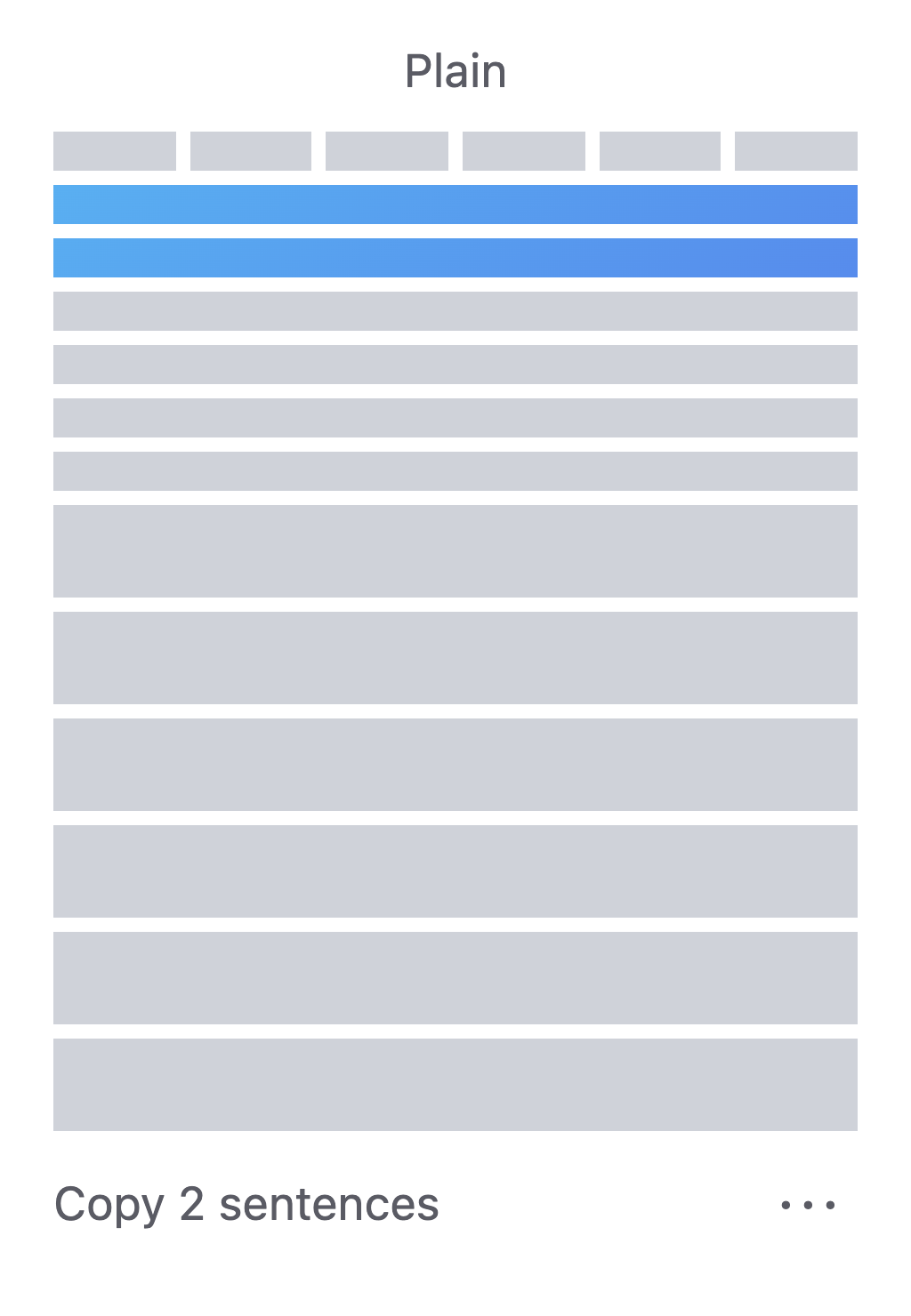
Plain text or HTML
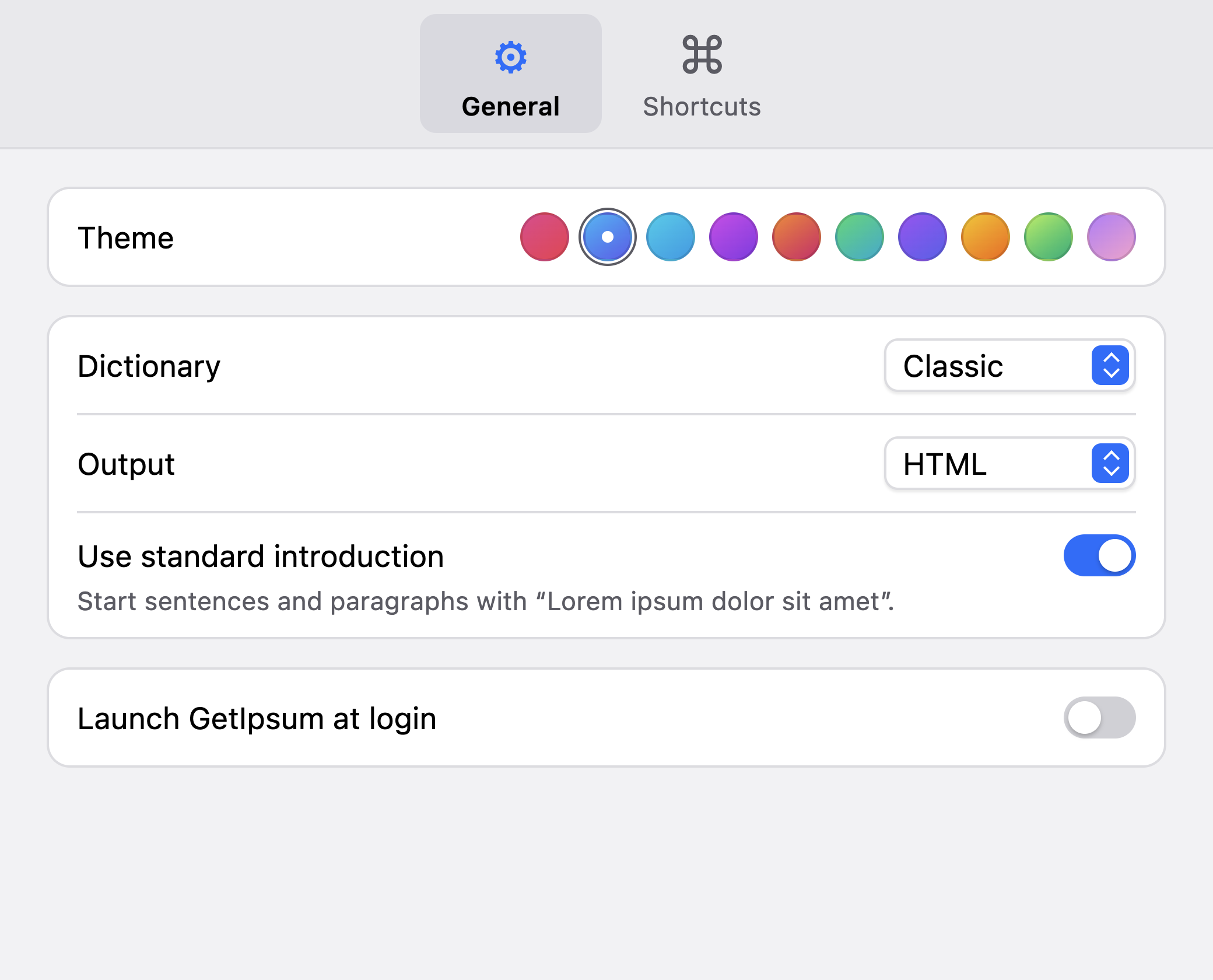
Copy plain text into a design or document, or copy HTML source into your editor. You can also drag text straight into apps that accept it. Pick a dictionary and theme in Settings.
Copy with a keyboard shortcut
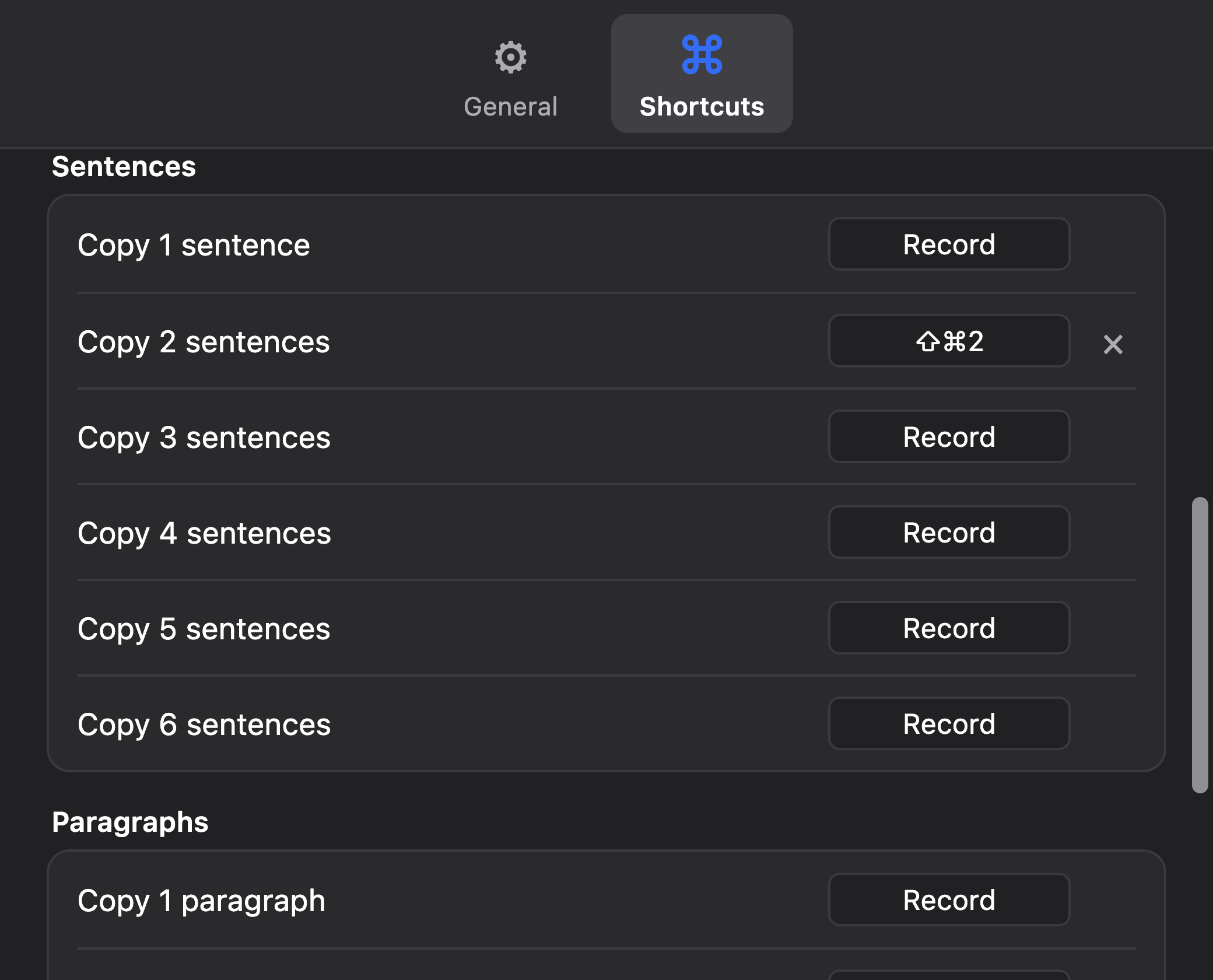
If you often reach for two sentences or a paragraph, assign that amount its own global shortcut. Press it to copy the text while you’re working in another app.